

In this issue of Delicious Brain Bytes, we explore the human side of innovation in the Crafted with Code showcase, test-drive a nostalgic Clippy-style assistant in the WordPress® dashboard, and dive into WordPress.org’s new native Markdown support for AI agents. Plus, we check the pulse of the industry with the Admin Bar’s 2026 WordPress Professionals Survey, navigate changes in the FAIR project, and much more!
Crafted with Code: Where Tech Meets Human Judgment
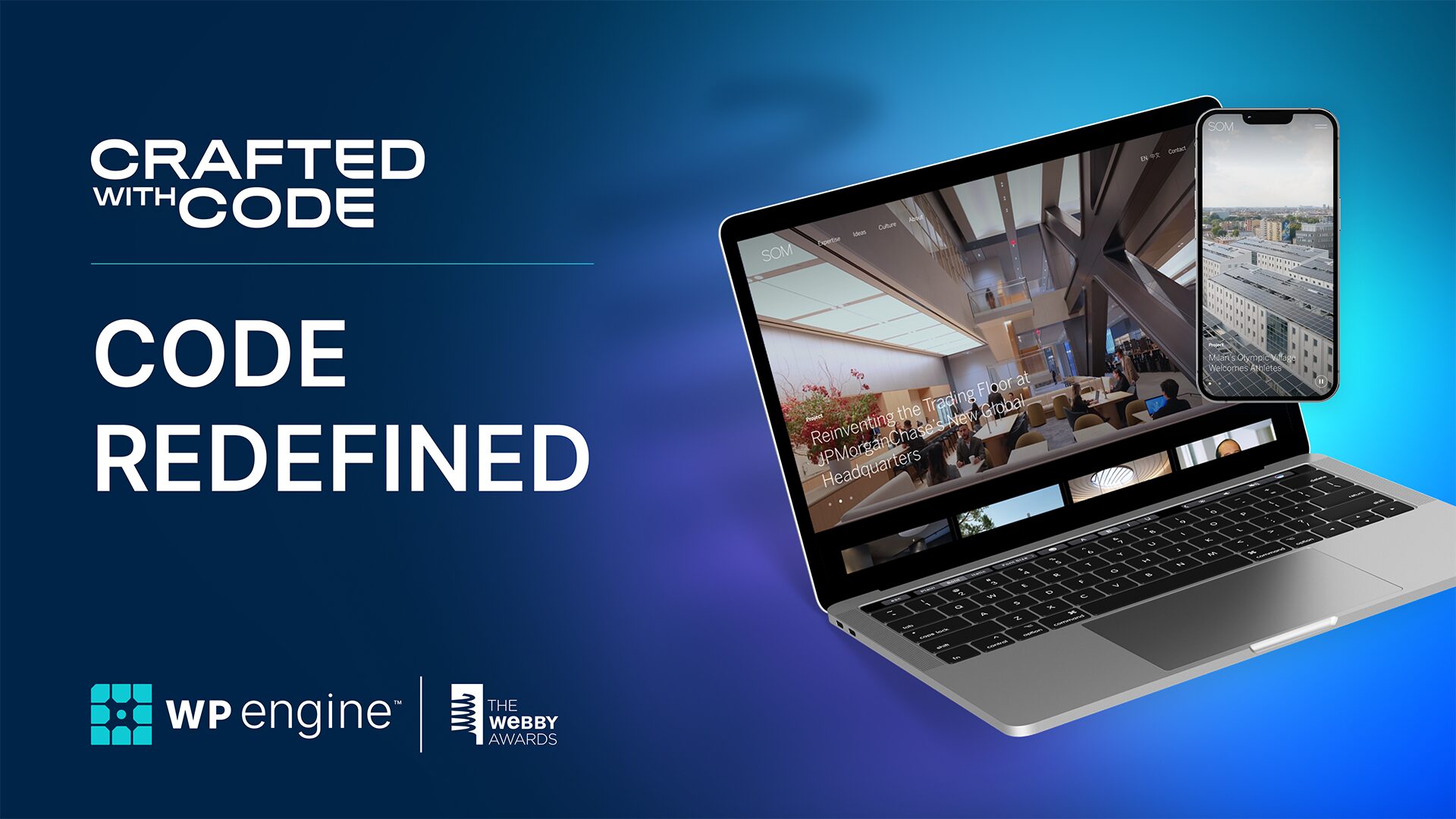
The latest installment of the Crafted with Code series, Code Redefined: The Edge of Innovation, explores the intersection of purposeful technology and human judgment. In its sixth year, this showcase by WP Engine and the Webby Awards highlights that 30% of all Webby-recognized sites were built on WordPress®. This year’s “Code Redefined” theme explores how intelligence is embedded with intention across three standout projects:
- Mozilla Builders (by Upstatement): Creating a digital home for the open-source AI community. By leveraging WordPress and WP Engine, the team built a site capable of handling massive traffic spikes while establishing Mozilla as a leader in the AI renaissance.
- Farm Africa (by The Web Kitchen): Moving away from traditional charity tropes toward an energetic brand narrative. The modular block-based system helped drive a staggering 94% increase in online donations.
- Skidmore, Owings & Merrill (by Code and Theory): A masterclass in performance for one of the world’s top architecture firms. The site manages a massive library of high-resolution architectural photography without sacrificing speed or stability.
Innovation in the AI era isn’t just about the tech you use, but the human choices that solve real-world challenges.
You can watch the full Crafted with Code playlist to see the behind-the-scenes stories of these award-winning builds.
Industry Pulse: The Admin Bar Launches 2026 WordPress Professionals Survey
For the fifth year in a row, the Admin Bar is benchmarking the “business side” of web development with its 2026 WordPress Professionals Survey.
Last year’s results from 1,200 pros revealed that Bricks was the only page builder gaining significant ground, and that agencies with a defined niche were 46% more likely to break six figures in revenue.
This year’s five-minute, anonymous survey dives deeper into AI integration and the evolving hosting landscape.
WordPress.org Launches Native Markdown Support for AI and Developers
WordPress.org has begun serving content in Markdown format, a major step toward becoming part of the agentic web. First announced on Make WordPress Meta, this update allows developers and AI agents to append .md to many WordPress.org URLs—including plugin directories and handbooks—to receive clean, structured data.
As noted in The Repository, this lowers token costs for LLMs and reduces AI hallucinations by providing “ground truth” documentation in a machine-readable format.
Decentralization at a Crossroads: FAIR Co-Founders Step Back
The Federated and Independent Repositories (FAIR) project is entering an uncertain chapter as co-founders Joost and Marieke de Valk officially step back to encourage broader community ownership. Since we noted the arrival of FAIR 1.0 and the security MVP with Patchstack, the project has sought to reduce reliance on a single central authority.
As reported in The Repository, the community is now weighing whether hosting companies and developers will maintain this decentralized infrastructure or if momentum will stall without its original advocates.
WordPress.org Now Rotates “Hidden Gems”
Following a community-led push, the WordPress.org Featured Plugins tab is now rotating “Hidden Gems” every two weeks. This shift mirrors the “quality over popularity” logic we explored in our coverage of the Hidden Gems plugin. By showcasing high-rated, low-install tools, the repository is providing independent developers a legitimate path to visibility based on merit rather than marketing budget.
Meet “Dewey,” the Clippy for WordPress
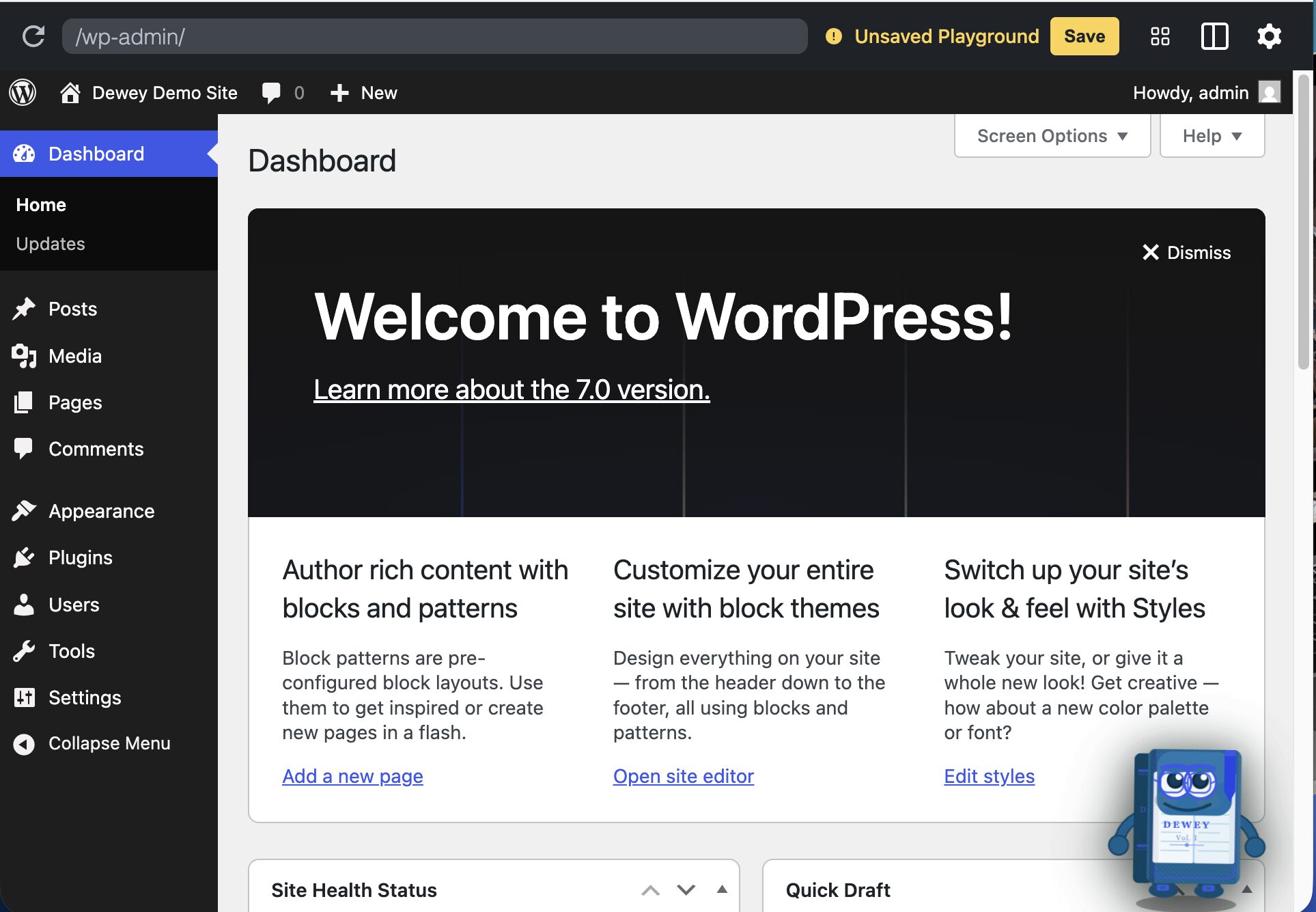
Nick Hamze has fulfilled a childhood dream by releasing “Dewey,” a Clippy-style assistant for the WordPress dashboard. Built to bring late-90s quirky energy to the modern CMS, Dewey offers “help” directly within the Block Editor. You can experience this nostalgic experimental design yourself by spinning up a live WordPress Playground instance using the project’s official blueprint.
Rethinking the Interface: Are We Asking the Right Questions?
In a thought-provoking new post, Jamie Marsland suggests the WordPress community is asking the wrong question about AI. Rather than wondering how to add AI buttons to existing tools, Marsland argues we should consider that users likely want AI instead of a complex software interface. He posits a paradigm shift where users simply talk to their website to make it “just work,” moving from traditional editing to natural, conversational creation.
Customizing WP Engine’s Newsroom Publication Checklist
In the publisher workflow, checklists are important to ensure that you don’t miss anything. Imagine how messy or unorganized things can get without checklists in your everyday life, let alone content you are writing for work.
In WordPress, WP Engine’s Newsroom features the Publication Checklist. It is a customizable quality-control tool that ensures all editorial standards are met before a story goes live.
The publication checklist helps you move away from time-consuming administrative content checks. Completely configurable to your requirements, the checklist flags missing items in real-time to editors before publishing, and gives customized suggestions to make sure your content meets everything you need it to.
In this article, Fran Agulto walks us through how to customize and use these features as well as integrate them with work management software.

Architecting Reliable Remote Requests with the HTTP API
Every time your code reaches out to an external API, you are introducing a point of failure that you do not control. Whether you are fetching a social feed, a weather widget, or processing a payment, your site’s performance is now tied to a third party.
A common mistake is treating a remote request like a local database query. If the external server is slow, your site becomes slow. If the external server is down, your site might crash or hang indefinitely. Professional WordPress development requires a defensive architecture that anticipates these failures. By using the WordPress HTTP API correctly, you can protect your site from external volatility.
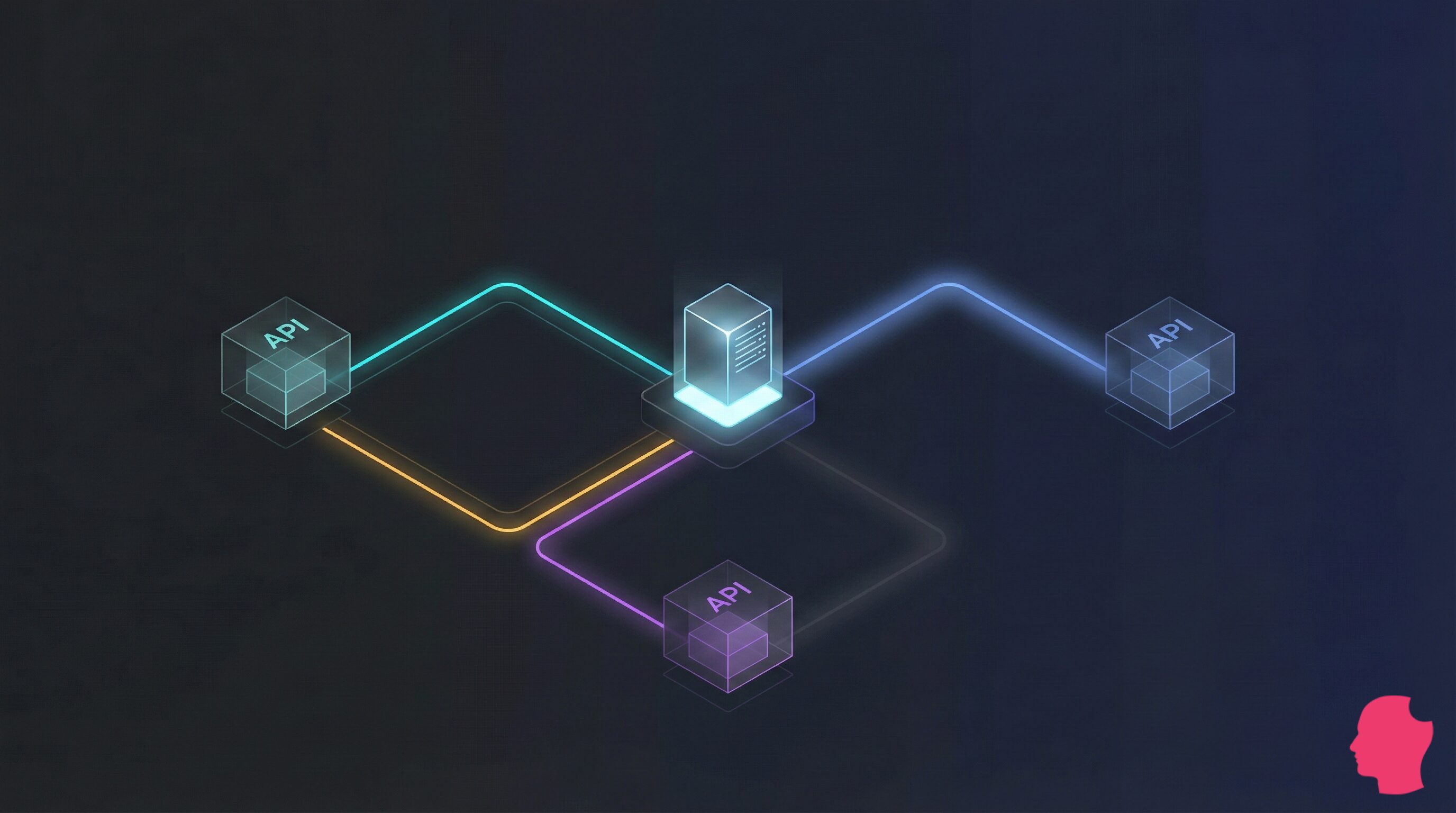
In this article, we explore how to move beyond basic requests by architecting a defensive fail-safe strategy using the WordPress HTTP API to shield your site from external server volatility. By prioritizing rigorous error handling and strategic caching through the Transients API, you can ensure your site remains fast and stable even when third-party services stumble.
What’s the most interesting news you’ve come across recently? Pop by Twitter and let us know.